![New Project.png]](https://knowledgebase.edutrak.com/hs-fs/hubfs/New%20Project.png?height=40&name=New%20Project.png)
Families can unsubscribe from low balance email notifications two ways:
1. Click on the "Unsubscribe" link in the low balance email
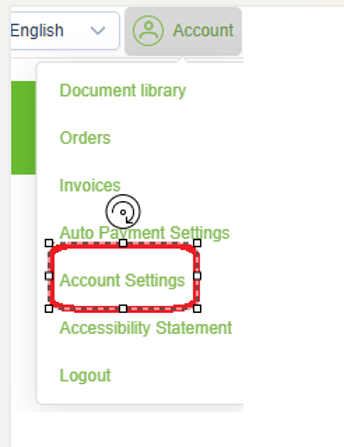
2. From the family portal, in the upper right corner, click on “Account”

Then from the drop-down menu choose Account Settings
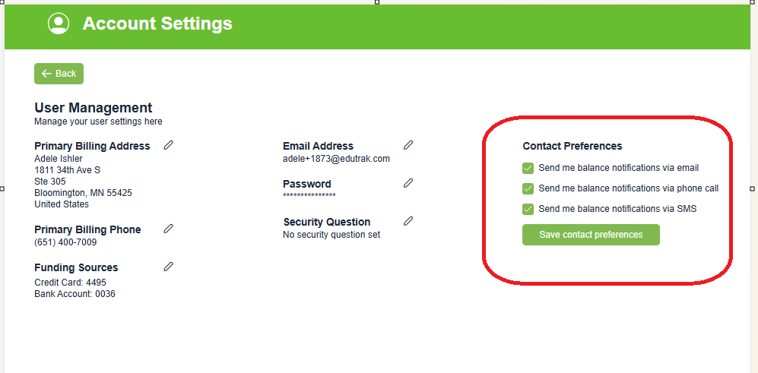
and uncheck the box for the methods you do not want to receive. Click “Save Contact Preferences” when you are done.