![New Project.png]](https://knowledgebase.edutrak.com/hs-fs/hubfs/New%20Project.png?height=40&name=New%20Project.png)
Scenario:
For example, if you have a Field Trip Fee that should only apply to students who are marked as “Free” you can configure the fee to only be available to those students. Families with students outside of that status will not see or be able to purchase the fee, ensuring it is only assigned to the correct group.
1. Login to the Edutrak Admin Site
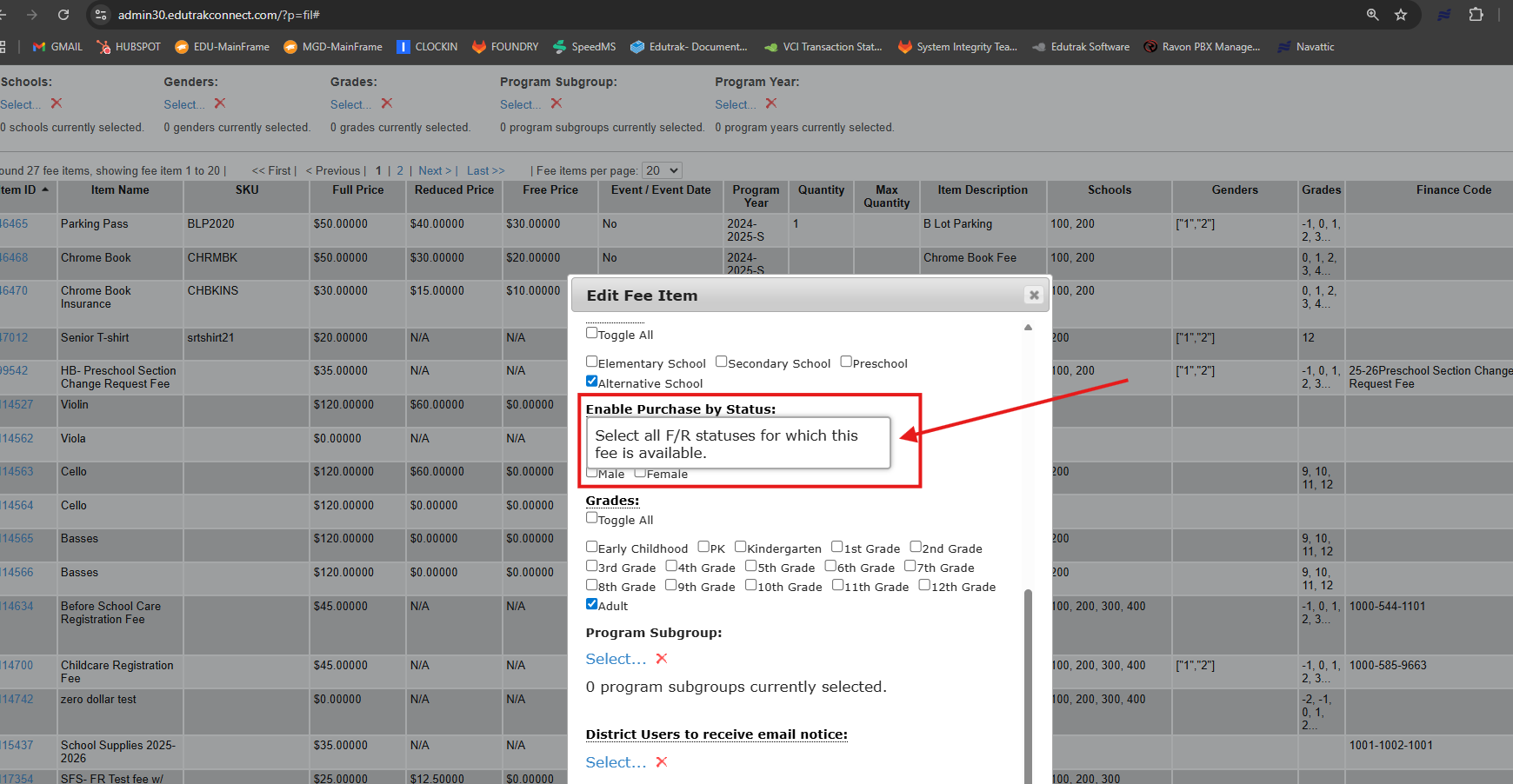
2. Navigate to Items> Fee Items
3.Create a new fee item or select the Fee item
4. Scroll to 'Enable Purchase by Status'- check the status for the group you are allowing to purchase the fee
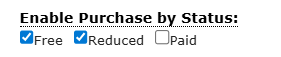
In this example, any student with a Paid status CANNOT purchase this Fee item