![New Project.png]](https://knowledgebase.edutrak.com/hs-fs/hubfs/New%20Project.png?height=40&name=New%20Project.png)
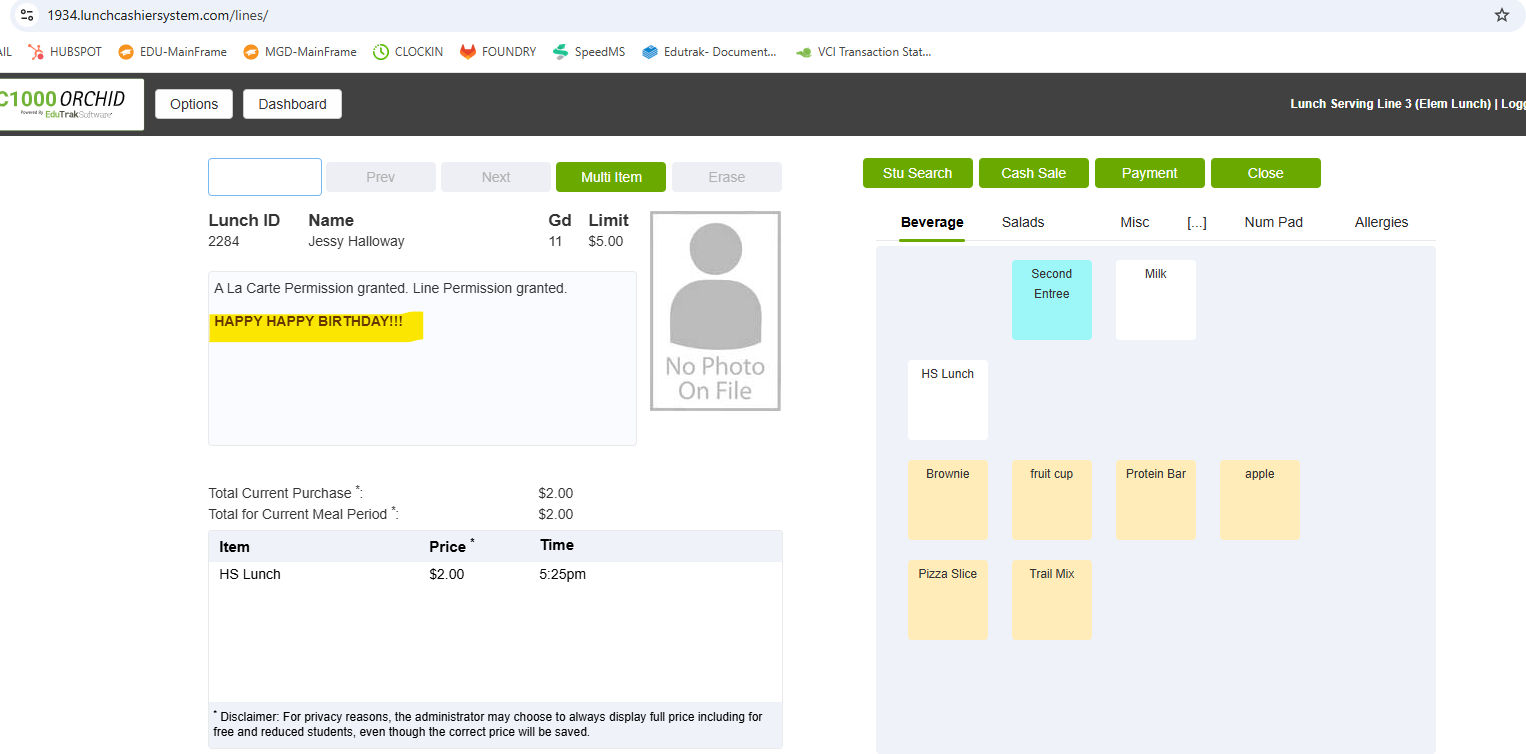
Note: Happy Birthday message will only ring on the first recorded transaction when a PIN is entered.
1. Log in to the Edutrak ESC site
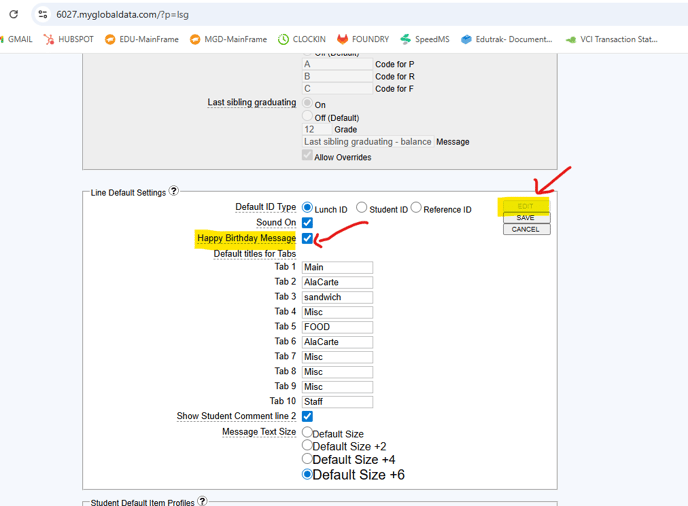
2. Select 'Lines' at the top of the site> 'then General Settings'
3. Under 'Line default settings' click on the 'Edit' button on the top right corner and check off the ' Happy Birthday Message' setting. Then click save